

Services
Services provided to customers
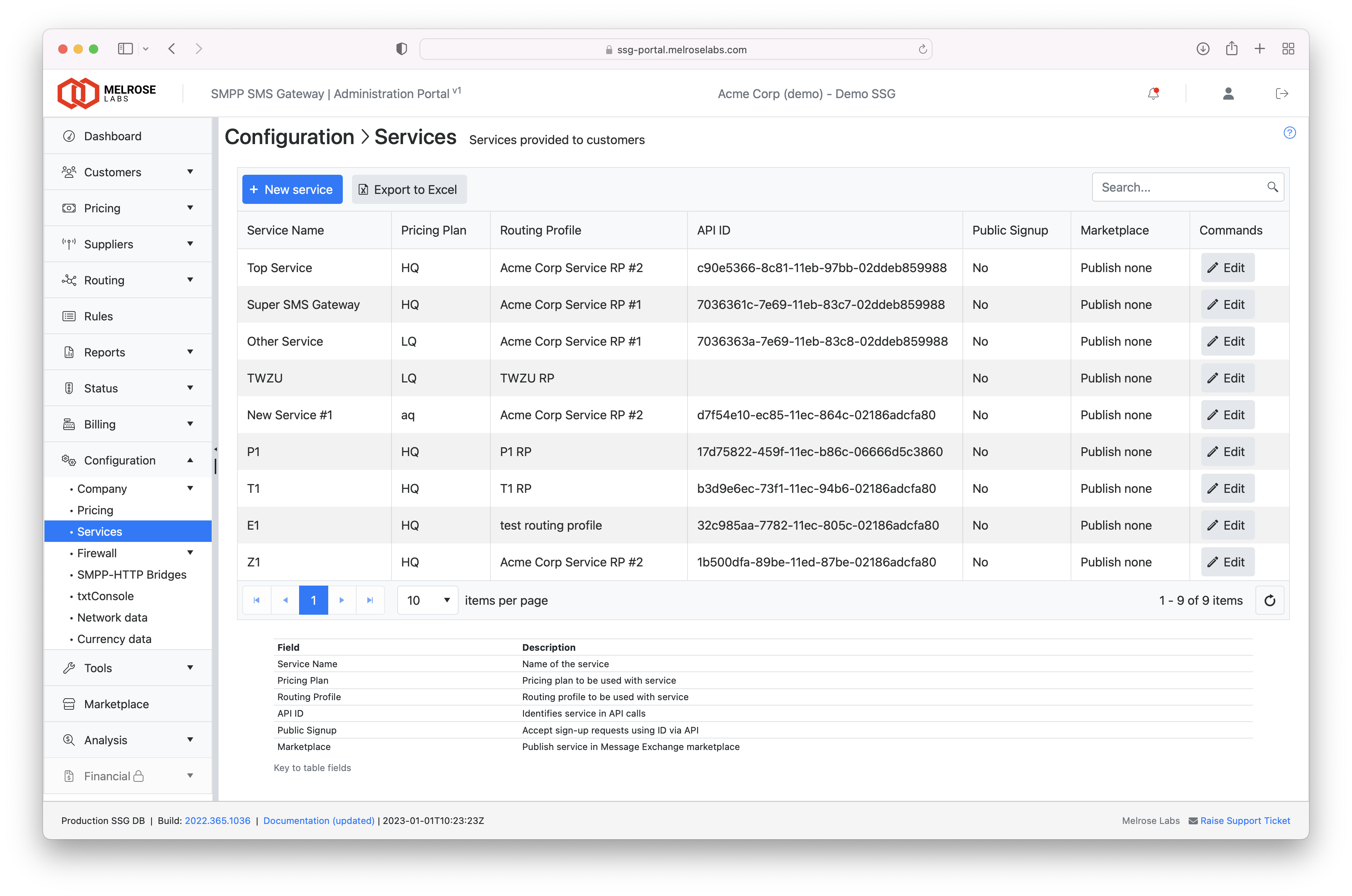
A service is what a customer SMPP account (and REST / txtConsole) uses to send and receive SMS. It combines:
- a pricing plan — what the customer is charged
- a routing profile — how messages are routed to suppliers
The chain is: customer → SMPP account → service → pricing plan + routing profile.
Services are defined in Configuration > Services. Trial instances include a placeholder service; use it as a starting point.
Sharing plans and profilesA pricing plan or routing profile can be used by several services. Give a customer their own service when they need their own rates or routing. Reuse the same routing profile when only the prices differ.
Changing the pricing plan or routing profile on a service applies to every SMPP account that uses that service.
Add a service
Create the pricing plan and routing profile first.
- Go to Configuration > Services.
- Click New service.
- Enter a name (customers may see this name).
- Select the pricing plan and the routing profile.
- Click Save.
After save, an API ID is assigned. It is read-only and identifies the service in Management API requests.
In the services table, the pricing-plan name opens Pricing > Plan prices and the routing-profile name opens Routing > Routing editor.
Edit a service
Double-click the row, or use the edit action, to change the name, pricing plan or routing profile.
Archive a service
Use Archive only when the service is no longer required. Archiving removes it from the portal list. Reassign any SMPP accounts that still use the service before you archive it.
Public sign-up
Enable public sign-up on the service so a website can post customer sign-up requests into the portal for manual approval.
Requests use the service API ID. See Public Signup. New requests appear in Customers > Sign-ups.
Provisioning defaults
Each service can hold preconfigured values used by the new-account wizards (including when you accept a sign-up). Typical defaults:
- initial account balance and currency
- SMPP parameters (for example submit limit)
Margin reject
Reject messages that would make a negative margin (supplier cost greater than customer price). Cost and revenue must be in the same currency.
This is a beta feature. It needs complete pricing and supplier routes for the destinations the customer will send to.
Using a service
On each SMPP account, set Service to the service that should apply. The account then inherits that plan and profile.
Check the result in Routing > Analyser (destination, price and route for an account) and Status > Routing (coverage and costs for each service).
Updated about 2 months ago